Progressive Web App Compatibility Test
Progressive web app compatibility test for Service Workers, offline storage, installability, push notifications, and background sync validation across browsers.
WebGPU compatibility test guide: adapter requests, GPU compute readiness, browser implementation status, and when to keep WebGL fallbacks for your users.
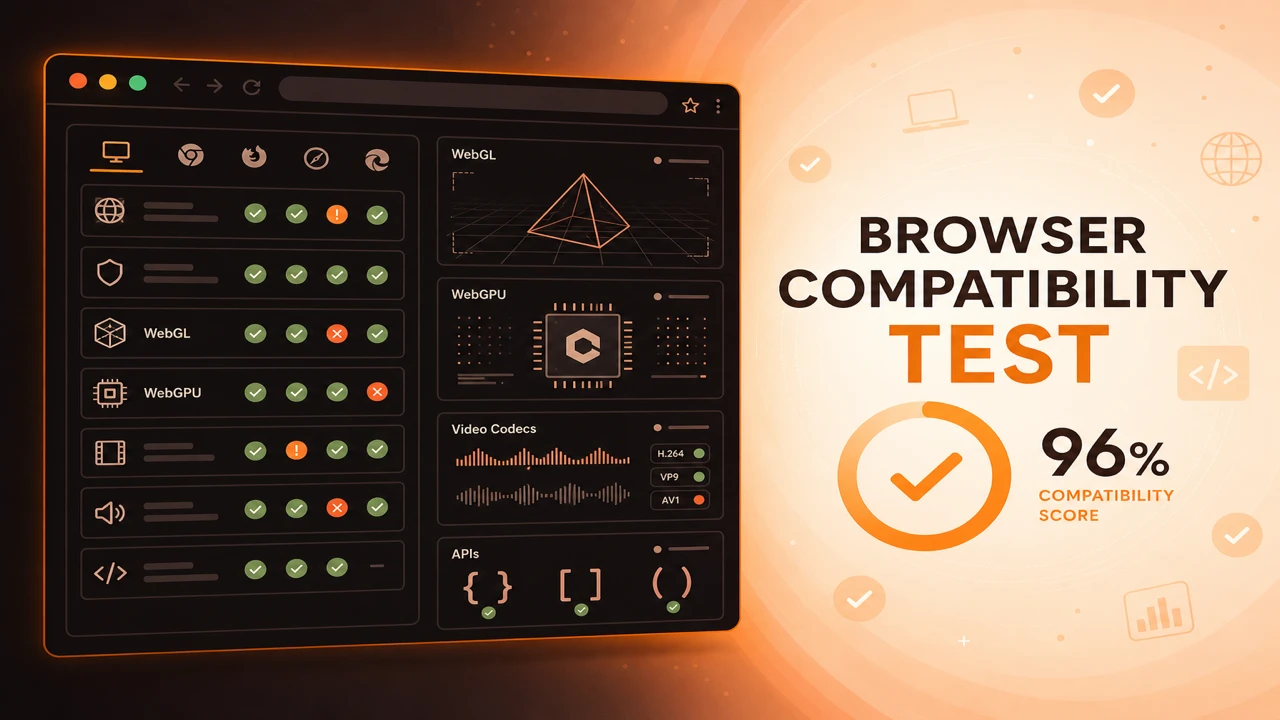
WebGPU compatibility testing starts with navigator.gpu detection, then requests an adapter and optionally a device to confirm the graphics pipeline is usable. This verifies browser implementation status beyond mere API advertisement.
Formula
WebGPU Available = navigator.gpu Exists AND adapter Request Resolves
This article is part of Browser Compatibility Test. Open the compatibility test tool to run WebGL, WebGPU, codec, and API probes in your current browser.
A WebGPU compatibility test verifies GPU compute capabilities, adapter availability, browser implementation status, and performance readiness for next-generation graphics.
WebGPU compatibility testing starts with navigator.gpu detection, then requests an adapter and optionally a device to confirm the graphics pipeline is usable. This verifies browser implementation status beyond mere API advertisement.
A WebGPU compatibility test verifies GPU compute capabilities, adapter availability, browser implementation status, and performance readiness for next-generation graphics.
GPU compute capabilities and compute shader support depend on adapter features exposed by each browser build.
Always keep a WebGL or canvas fallback until analytics show WebGPU success rates meet your enablement threshold.
WebGPU introduces lower-level access to GPU compute and modern graphics pipelines. Browser support is improving quickly, but adapter availability still varies by operating system, driver quality, and feature flags.
Keep a proven WebGL compatibility test fallback until analytics show WebGPU success rates meet your enablement threshold on Tier A platforms.
Feature detection on navigator.gpu is only the first step. The meaningful gate is adapter acquisition: requestAdapter must resolve to a usable adapter on the hardware you expect to support.
Compute shader availability depends on adapter features exposed by each browser build. Document browser version alongside pass or fail so you can correlate failures with release notes instead of guessing.
WebGPU sits beside a wider platform stack. When adapter probes pass but application features still fail, widen testing with a web API compatibility test to confirm secure context, worker, and storage APIs your pipeline also needs.
Treat adapter acquisition as the real gate. Some builds expose navigator.gpu but return null adapters on unsupported GPUs or blocked drivers.
Document adapter info for debugging only. Never fingerprint users without clear consent and purpose limitation.
Optional device smoke tests confirm the driver stack responds after adapter acquisition. Skip them in quick diagnostics, but include them before enabling compute-heavy production paths.
WebGPU Available = navigator.gpu Exists AND adapter Request Resolves
Apply these steps in order so compatibility results stay comparable across browsers and releases.
Detect navigator.gpu
If missing, skip WebGPU features and route to WebGL or canvas fallbacks.
Request an adapter
Call requestAdapter and handle null adapters gracefully with logged context.
Optional device smoke test
Create a device and release it to verify the driver stack responds to compute and graphics pipelines.
Compare across browsers
Run the same probe on Chrome, Edge, Firefox, and Safari versions you target.
Ship behind capability gates
Enable WebGPU paths only for sessions where adapter and feature probes pass.
A mapping demo enables WebGPU instancing on passing probes and keeps a WebGL path for Safari releases still rolling out adapter support.
Internal QA maintains adapter results per OS version. When a driver regression appears, they disable WebGPU by remote config until fixed.
A scientific visualization team enables WebGPU particle systems only when adapter and device probes succeed. Other users stay on a WebGL path with fewer particles but stable frame rates.
Safari on macOS gains WebGPU support in stages across releases. QA maintains a spreadsheet of adapter results per OS version to decide when marketing can advertise WebGPU-powered demos.
WebGPU support is evolving quickly. Automated probes keep your enablement logic honest as browsers update.
Fallbacks are a feature, not a compromise, while WebGPU coverage grows across desktop and mobile platforms.
Check WebGPU Support
PWA
Progressive web app compatibility test for Service Workers, offline storage, installability, push notifications, and background sync validation across browsers.
Diagnostics
Browser capability diagnostics for troubleshooting missing WebGL, codec failures, API blocks, configuration problems, extension conflicts, and browser limitations.
Reporting
How to build a browser feature availability report from probe sessions. Document supported, unsupported, and experimental WebGL, codec, and API capabilities.