Progressive Web App Compatibility Test
Progressive web app compatibility test for Service Workers, offline storage, installability, push notifications, and background sync validation across browsers.
How to build a browser feature availability report from probe sessions. Document supported, unsupported, and experimental WebGL, codec, and API capabilities.
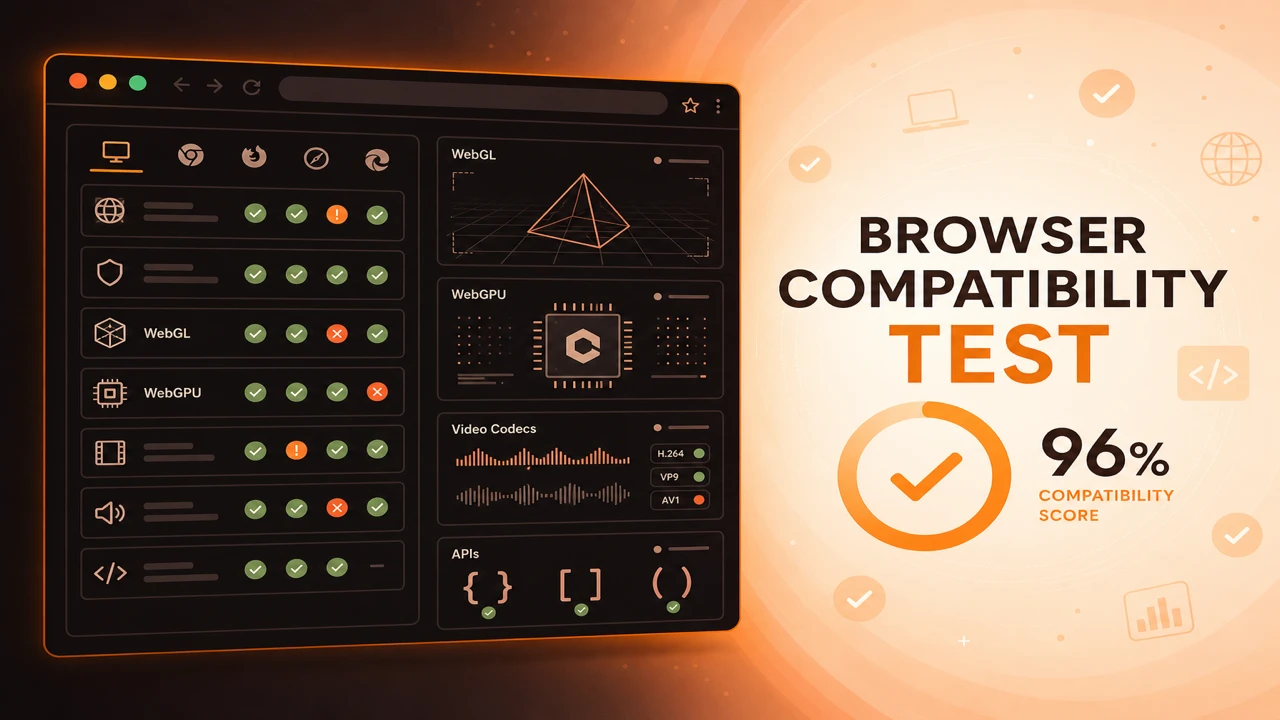
A browser feature availability report summarizes every probe result from a compatibility session. It lists supported features with pass status, unsupported features with explicit failures, and notes experimental or flag-dependent capabilities detected during the run.
Formula
Feature Report = Passed Probes + Failed Probes + Session Metadata
This article is part of Browser Compatibility Test. Open the compatibility test tool to run WebGL, WebGPU, codec, and API probes in your current browser.
A browser feature availability report documents supported features, unsupported features, experimental capabilities, and deprecated gaps from a probe session.
A browser feature availability report summarizes every probe result from a compatibility session. It lists supported features with pass status, unsupported features with explicit failures, and notes experimental or flag-dependent capabilities detected during the run.
A browser feature availability report documents supported features, unsupported features, experimental capabilities, and deprecated gaps from a probe session.
Export JSON for diffing across browsers or text summaries for support tickets and release documentation.
Recommended upgrades become clear when reports show missing WebGL2, absent codecs, or blocked security APIs on target devices.
Release reviews go smoother when compatibility evidence is written down. A feature availability report captures every probe row, the session scope, and environment metadata in one artifact QA and support can trust.
Reports come directly from the browser compatibility test tool after a standard or full scope run. Quick scope suits developer spot checks, but release gates benefit from broader menus.
Supported features appear as pass rows with stable identifiers across exports. Unsupported features should include enough context that engineers know which subsystem failed without reproducing the session manually.
Experimental or flag-dependent capabilities deserve explicit notes in session metadata. WebGPU on preview channels is a common example where pass results should not be treated as production guarantees.
When reports show confusing patterns, hand them to browser capability diagnostics workflows that map failures to GPU policy, secure context, or codec licensing before escalating to application teams.
Reports are most useful when probe scope and category filter stay constant across browsers being compared.
Attach user agent and system spec metadata from the run page so reports remain interpretable months later.
Diff JSON exports between browser versions to spot regressions introduced by dependency upgrades rather than browser changes alone.
Feature Report = Passed Probes + Failed Probes + Session Metadata
Apply these steps in order so compatibility results stay comparable across browsers and releases.
Run a full or standard scope
Choose a probe menu that matches your release requirements before exporting.
Review the feature matrix
Read pass and fail rows by category: graphics, media, and APIs.
Export structured JSON
Save machine-readable output for automation, diffing, and QA archives.
Share text summaries
Paste human-readable reports into tickets when JSON is not practical.
Archive per release
Store reports alongside version tags so support can compare historical capability baselines.
QA exports JSON from Chrome, Firefox, and Safari before each release. Diff tools highlight new failures introduced by a dependency upgrade.
A support engineer attaches a text summary to a ticket showing WebGL and IndexedDB failures, pointing to enterprise policy instead of application bugs.
QA archives JSON exports beside semantic version tags. Six months later, support compares a customer export to the release baseline and spots a new IndexedDB failure introduced in a minor update.
A product manager shares text summaries with stakeholders who do not read JSON. Graphics and codec sections still communicate risk without requiring engineering interpretation.
Feature availability reports turn probe sessions into durable documentation your whole team can reference.
Consistent exports make cross-browser comparison objective instead of anecdotal.
Generate Feature Report
PWA
Progressive web app compatibility test for Service Workers, offline storage, installability, push notifications, and background sync validation across browsers.
Diagnostics
Browser capability diagnostics for troubleshooting missing WebGL, codec failures, API blocks, configuration problems, extension conflicts, and browser limitations.
Performance
Hardware acceleration test guide for GPU graphics, video decode, and rendering paths. Diagnose software rendering, blocked GPUs, and browser optimization issues.