Progressive Web App Compatibility Test
Progressive web app compatibility test for Service Workers, offline storage, installability, push notifications, and background sync validation across browsers.
Hardware acceleration test guide for GPU graphics, video decode, and rendering paths. Diagnose software rendering, blocked GPUs, and browser optimization issues.
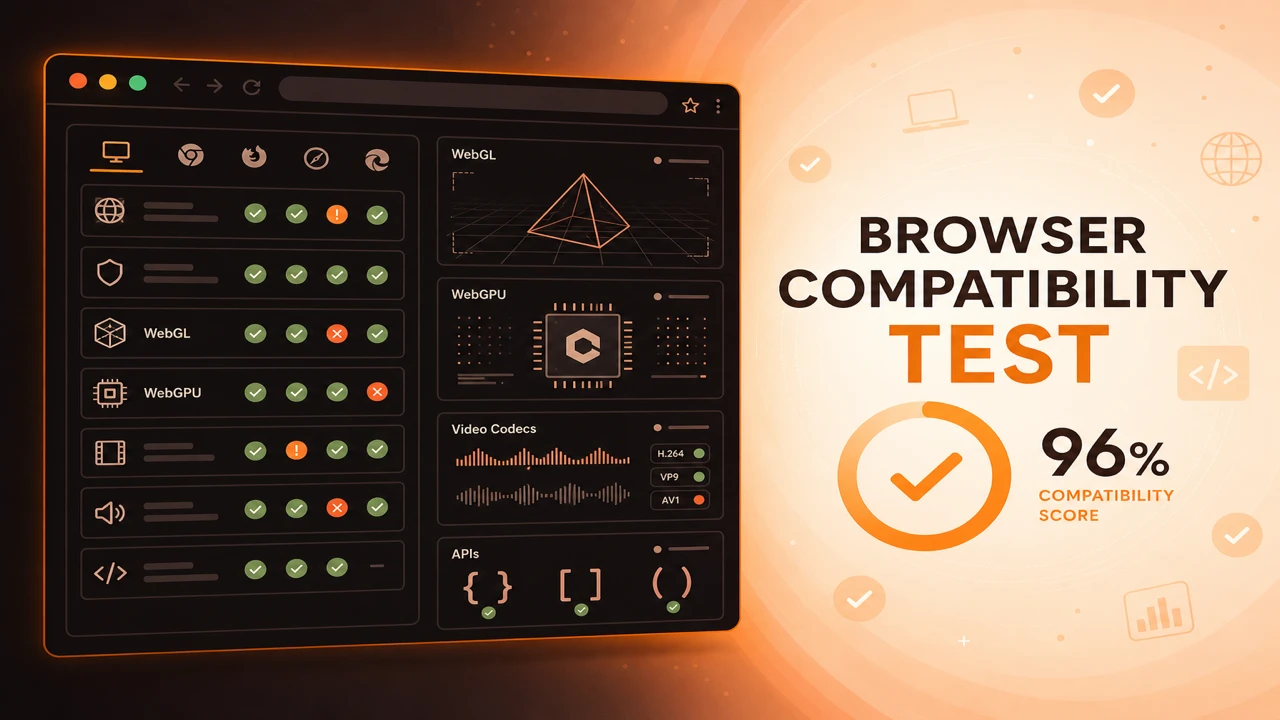
Hardware acceleration testing combines WebGL renderer signals, WebGPU adapter results, and codec probe responses to confirm whether graphics and media workloads can offload to the GPU. This is performance verification through capability detection, not frame rate benchmarking.
Formula
Acceleration Active = GPU Renderer Exposed AND Codec Decode Supported
This article is part of Browser Compatibility Test. Open the compatibility test tool to run WebGL, WebGPU, codec, and API probes in your current browser.
A hardware acceleration test verifies GPU acceleration, video decoding acceleration, rendering acceleration, and browser optimization settings through graphics and media probes.
Hardware acceleration testing combines WebGL renderer signals, WebGPU adapter results, and codec probe responses to confirm whether graphics and media workloads can offload to the GPU. This is performance verification through capability detection, not frame rate benchmarking.
A hardware acceleration test verifies GPU acceleration, video decoding acceleration, rendering acceleration, and browser optimization settings through graphics and media probes.
Video decoding acceleration often follows hardware codec paths that differ from software fallbacks, especially for H.264 and HEVC on mobile.
Rendering acceleration probes help distinguish policy-blocked GPUs from genuinely unsupported hardware on corporate and remote desktop environments.
Hardware acceleration determines whether graphics and media workloads run on the GPU or fall back to CPU paths that feel broken on real content. Capability probes surface those paths before you blame application code.
Graphics acceleration signals begin with a WebGL compatibility test that reads renderer information when the WEBGL_debug_renderer_info extension is available.
WebGL renderer strings that mention software renderers or LLVMpipe usually explain choppy 3D even when contexts technically succeed. Pair renderer info with a short render smoke test when performance matters for release.
Video decoding acceleration often follows hardware codec paths that differ from software fallbacks, especially for H.264 and HEVC on mobile chipsets.
Codec probes from the browser codec support test show decode readiness, but stutter on 4K streams may still mean software decode. Compare renderer and codec rows together when investigating playback performance.
Acceleration is inferred from renderer strings and successful context creation, not from synthetic benchmark scores.
A passing codec probe plus software renderer may still mean poor playback performance at high resolutions.
Remote desktop and virtual desktop infrastructure frequently block GPU access entirely. Document 2D fallbacks for those environments instead of expecting WebGL or WebGPU probes to pass.
Acceleration Active = GPU Renderer Exposed AND Codec Decode Supported
Apply these steps in order so compatibility results stay comparable across browsers and releases.
Check WebGL renderer
Read renderer info when available to spot software rendering paths.
Verify WebGPU adapter
Confirm adapter request resolves on hardware you expect to accelerate compute.
Probe target codecs
Validate video codecs your player uses for hardware decode paths.
Review browser settings
Confirm hardware acceleration is enabled and not blocked by enterprise policy.
Compare before and after
Re-run probes after driver updates or policy changes to confirm acceleration restored.
A video editor shows stutter on 4K HEVC despite a green codec probe. Renderer info reveals software decoding. Support guides the user to enable hardware acceleration.
A 3D dashboard fails on virtual desktop infrastructure. WebGL probe reports blocked GPU access. The team documents a 2D fallback for VDI users.
A video editor shows stutter on 4K HEVC despite green codec probes. Renderer info reveals software decoding until the user enables hardware acceleration in browser settings.
A 3D analytics dashboard fails on VDI pools. Probes report blocked GPU access across the fleet, and the team ships a table-based fallback for enterprise customers.
Hardware acceleration probes explain many graphics and media issues that version checks miss.
Pair capability signals with real content samples when performance verification matters for release gates.
Check Hardware Acceleration
PWA
Progressive web app compatibility test for Service Workers, offline storage, installability, push notifications, and background sync validation across browsers.
Diagnostics
Browser capability diagnostics for troubleshooting missing WebGL, codec failures, API blocks, configuration problems, extension conflicts, and browser limitations.
Reporting
How to build a browser feature availability report from probe sessions. Document supported, unsupported, and experimental WebGL, codec, and API capabilities.