Progressive Web App Compatibility Test
Progressive web app compatibility test for Service Workers, offline storage, installability, push notifications, and background sync validation across browsers.
WebGL compatibility test guide: WebGL 1.0 and 2.0 detection, shader compile checks, rendering validation, GPU renderer info, and hardware acceleration diagnostics.
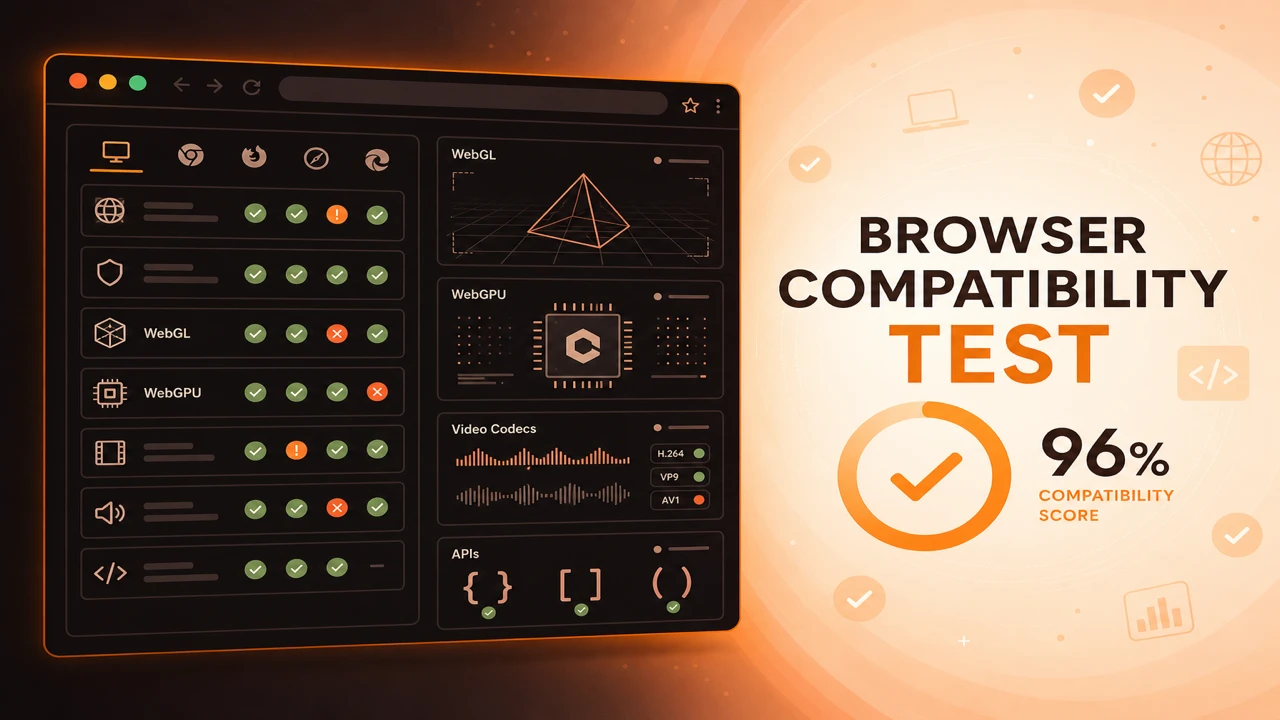
WebGL compatibility testing confirms whether the browser can create a rendering context, compile basic shaders, and expose GPU information your 3D features depend on. Probes request WebGL 2.0 first, then fall back to WebGL 1.0.
Formula
WebGL Ready = Context Created AND Shader Compile Succeeds
This article is part of Browser Compatibility Test. Open the compatibility test tool to run WebGL, WebGPU, codec, and API probes in your current browser.
A WebGL compatibility test verifies graphics rendering capability through context creation, shader validation, WebGL version detection, and hardware acceleration signals.
WebGL compatibility testing confirms whether the browser can create a rendering context, compile basic shaders, and expose GPU information your 3D features depend on. Probes request WebGL 2.0 first, then fall back to WebGL 1.0.
A WebGL compatibility test verifies graphics rendering capability through context creation, shader validation, WebGL version detection, and hardware acceleration signals.
Rendering validation catches driver bugs that allow context creation but fail on real draw or compile steps.
Renderer strings from WEBGL_debug_renderer_info help diagnose dual-GPU switching and software rendering paths on laptops.
WebGL is still the backbone of browser-based 3D for most production applications. Before you invest in scene complexity, confirm the browser can create a context, compile shaders, and reach hardware acceleration paths.
Teams evaluating next-generation graphics should pair these checks with a WebGPU compatibility test so enablement logic covers both rendering APIs during the transition period.
WebGL 2.0 adds instancing, transform feedback, and broader texture formats that many modern engines expect. Probes should record which context type succeeded so your runtime selects the correct code path instead of assuming WebGL2 everywhere.
Extension probes matter for compressed textures, vertex array objects, and depth textures. Missing extensions do not always block launch, but they change which assets you can stream to a given browser family.
When renderer strings indicate software rendering, run a hardware acceleration test next. WebGL may technically pass while performance collapses on large scenes or high-DPI displays.
WebGL readiness requires both context creation and a minimal shader compile step. Context alone is not enough when strict drivers reject shader compilation.
Record whether the active context is webgl2 or webgl so downstream code selects the correct rendering pipeline.
Treat shader compile success as part of WebGL readiness. Drivers occasionally create contexts but reject compilation for strict precision qualifiers or large uniform blocks.
WebGL Ready = Context Created AND Shader Compile Succeeds
Apply these steps in order so compatibility results stay comparable across browsers and releases.
Request WebGL2 context
Create a canvas and call getContext('webgl2'). Note success or record fallback to WebGL 1.0.
Compile test shaders
Compile a trivial vertex and fragment shader pair to catch driver shader bugs early.
Read rendering limits
Query MAX_TEXTURE_SIZE, MAX_VERTEX_ATTRIBS, and relevant extensions for pipeline validation.
Log renderer information
Use WEBGL_debug_renderer_info when available for hardware acceleration diagnostics.
Define product gates
Require WebGL2 for full features or allow WebGL1 with reduced effects and clear upgrade messaging.
A furniture configurator requires WebGL2 for instancing. The probe fails on an older iPad browser. Marketing pages still work, but the 3D planner shows an upgrade browser message.
After disabling hardware acceleration in browser settings, the probe reports software rendering. Support asks the user to re-enable acceleration and retest.
A data visualization library gates instanced rendering behind a WebGL2 probe. Browsers that fall back to WebGL1 still render charts, but point counts are capped to keep frame times stable.
A game studio logs renderer strings from failing sessions and discovers dual-GPU laptops where the browser picked integrated graphics. OS settings change and WebGL probes move from marginal to stable.
WebGL compatibility testing catches the majority of 3D launch failures before users reach your heaviest scenes.
Pair context detection with shader compile validation so driver and rendering pipeline issues surface early.
Test WebGL Support
PWA
Progressive web app compatibility test for Service Workers, offline storage, installability, push notifications, and background sync validation across browsers.
Diagnostics
Browser capability diagnostics for troubleshooting missing WebGL, codec failures, API blocks, configuration problems, extension conflicts, and browser limitations.
Reporting
How to build a browser feature availability report from probe sessions. Document supported, unsupported, and experimental WebGL, codec, and API capabilities.