Progressive Web App Compatibility Test
Progressive web app compatibility test for Service Workers, offline storage, installability, push notifications, and background sync validation across browsers.
Web API compatibility test checklist for JavaScript APIs, device access, storage, permissions, secure contexts, and standards compliance across modern browsers.
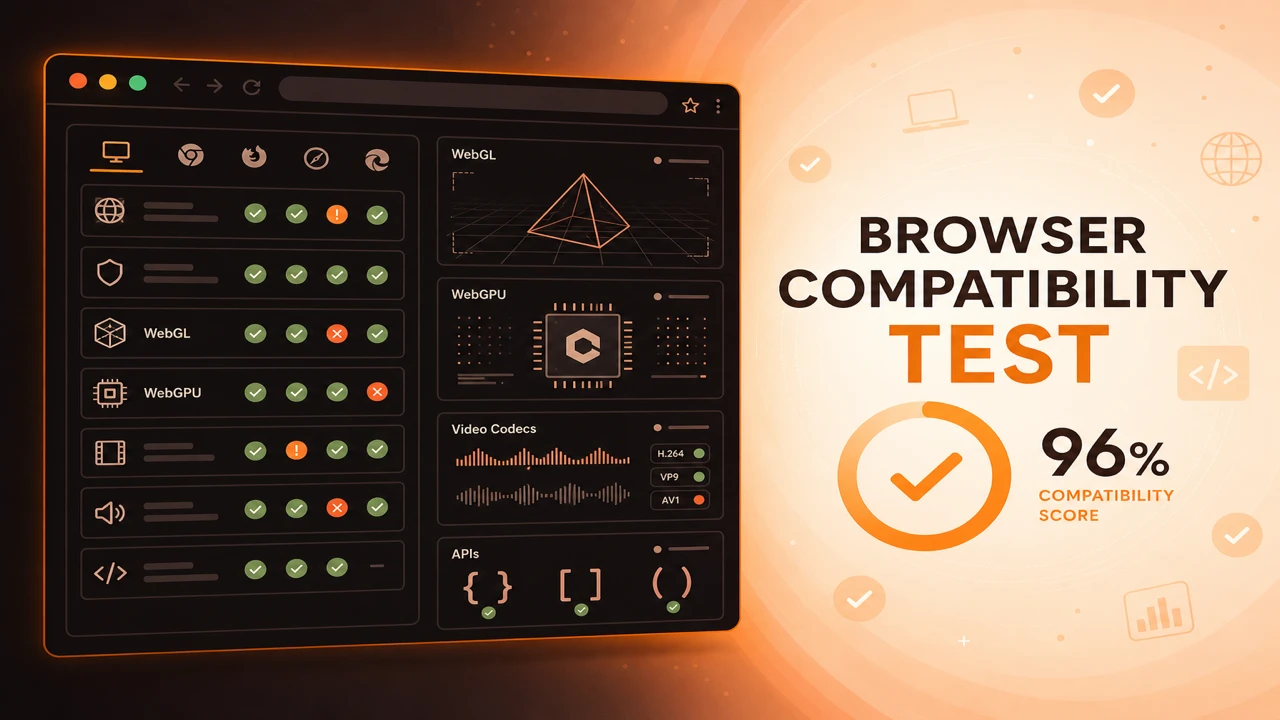
Web API compatibility testing feature-detects the JavaScript APIs your application calls. Probes group device APIs, performance APIs, storage APIs, and security APIs, noting secure context and permission requirements for standards compliance.
Formula
API Ready = 'feature' in window AND Secure Context When Required
This article is part of Browser Compatibility Test. Open the compatibility test tool to run WebGL, WebGPU, codec, and API probes in your current browser.
A web API compatibility test validates JavaScript API support, browser API availability, feature accessibility, and standards compliance across device, storage, and security categories.
Web API compatibility testing feature-detects the JavaScript APIs your application calls. Probes group device APIs, performance APIs, storage APIs, and security APIs, noting secure context and permission requirements for standards compliance.
A web API compatibility test validates JavaScript API support, browser API availability, feature accessibility, and standards compliance across device, storage, and security categories.
API validation distinguishes presence from permission state. navigator.mediaDevices may exist while camera permission is denied.
Device APIs including camera, microphone, geolocation, sensors, and USB require both API availability and user or policy consent.
Modern web applications call dozens of platform APIs across storage, networking, devices, and security. A structured API checklist prevents features from shipping globally when only a subset of browsers exposes the required objects.
Progressive web apps depend on overlapping APIs. When your roadmap includes install prompts or offline modes, continue with a progressive web app compatibility test after your baseline API matrix is green.
Device APIs such as camera, microphone, geolocation, sensors, and USB require both API presence and appropriate permission state. Record prompt, granted, and denied separately from hard unsupported.
Storage APIs including Local Storage, IndexedDB, Cache API, and File System Access frequently require secure contexts. HTTP staging environments produce false failures that disappear once HTTPS is enabled.
Publish API results through a browser feature availability report so product and support teams can see which rows block release without reading raw probe code.
Distinguish API presence from permission state. Record prompt, granted, and denied separately from hard unsupported.
Version your API checklist when releases add dependencies. Diff probe lists in code review alongside feature flags.
Performance and Memory APIs help diagnose sluggish experiences, but they do not replace compatibility probes for API presence. Use both when investigating reported slowness on specific devices.
API Ready = 'feature' in window AND Secure Context When Required
Apply these steps in order so compatibility results stay comparable across browsers and releases.
Inventory API calls
Search your codebase for window, navigator, and document API usage.
Build probe functions
One function per API with consistent return shape: supported, unsupported, or error.
Note secure context rules
Flag APIs that require HTTPS so staging HTTP results are interpreted correctly.
Run in each browser
Collect matrices for desktop and mobile targets including WebView shells.
Wire UI fallbacks
Hide or replace controls when probes fail instead of showing broken features.
A design tool needs Clipboard API write access. Probes fail on Firefox without permission. The UI keeps a visible copy manually button on failing browsers.
A mapping app checks geolocation and sensor APIs before enabling AR overlays. Missing sensor APIs route users to a static map view.
A collaboration tool gates screen capture behind getDisplayMedia probes. Browsers without the API still join calls, but recording buttons stay hidden with explanatory copy.
A fintech app requires WebAuthn for passwordless login. API probes on older enterprise browsers fail early, routing those users to traditional credentials instead of broken enroll flows.
A maintained API checklist prevents silent failures when features ship globally without capability gates.
Review the checklist each release cycle as browsers add, change, and retire platform APIs.
Run API Compatibility Check
PWA
Progressive web app compatibility test for Service Workers, offline storage, installability, push notifications, and background sync validation across browsers.
Diagnostics
Browser capability diagnostics for troubleshooting missing WebGL, codec failures, API blocks, configuration problems, extension conflicts, and browser limitations.
Reporting
How to build a browser feature availability report from probe sessions. Document supported, unsupported, and experimental WebGL, codec, and API capabilities.